
Mentor Programs: On-the-Job Technology Overview
Working with “Mentor Programs” an alias of an actual company whose IP needed to be confidential
Audience: The audience was primarily new employees as it was mandatory for them to complete to minimize technology challenges. Additionally current staff had the option to participate in the training as a refresher course if needed.
Problem: Staff at Mentor Programs come from all different demographics and backgrounds, some being tech savvy and some preferring pen and paper record keeping. In an effort to promote “drive to digitize”, which was an initiative to transition from pen to paper older recording methods to a digital method using administrative applications and organizational applications.
The organizational departments at Mentor Programs were seeing an influx of staff members who were either:
Not using technology properly for client communication and documentation.
Avoiding using technology in some tasks due to learning curve and access to laptops.
In effort to bridge the technology gap, I suggested that we create a high-level overview 30-minute module that identifies and explains the technology used by staff members on a daily basis.
Analysis
I first spoke with department leads to determine what percent of their staff they feel struggle with technology or do not use it at the maximum potential to help with their job.
Next, I asked the organization as a whole to provide me with an 80/20 list. This list provides a list of tasks that are completed daily that use technology. Essentially if a staff member will complete this task 80% of the time on their job, then it should be included in the training.
I wanted to refrain from adding everything little thing they MIGHT do with technology and focus on what they ACTUALLY do.
After I made the accurate list, I asked a few specifics on which applications had a higher learning curve than others and on average what type of technology competence do new employees have. Since we hire all across the board, our demographics in age ranged from baby boomers to Gen Z, which made differentiation crucial.
After Analysis I created a design document, no visual storyboard, that encompassed the 5 W’s and H (who, what, where, when, why, and how). This document gave visibility to the organization of what would be included in the training and what successful outcomes look like post training evaluation.
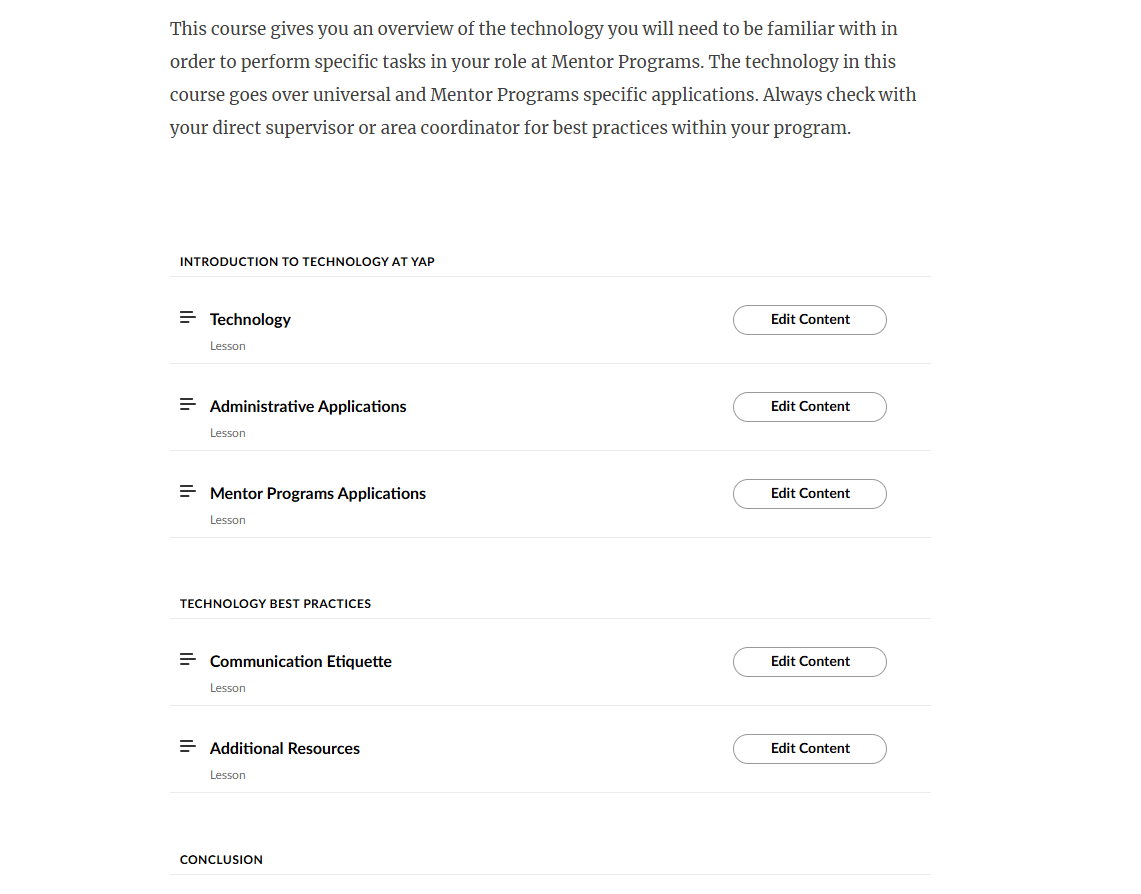
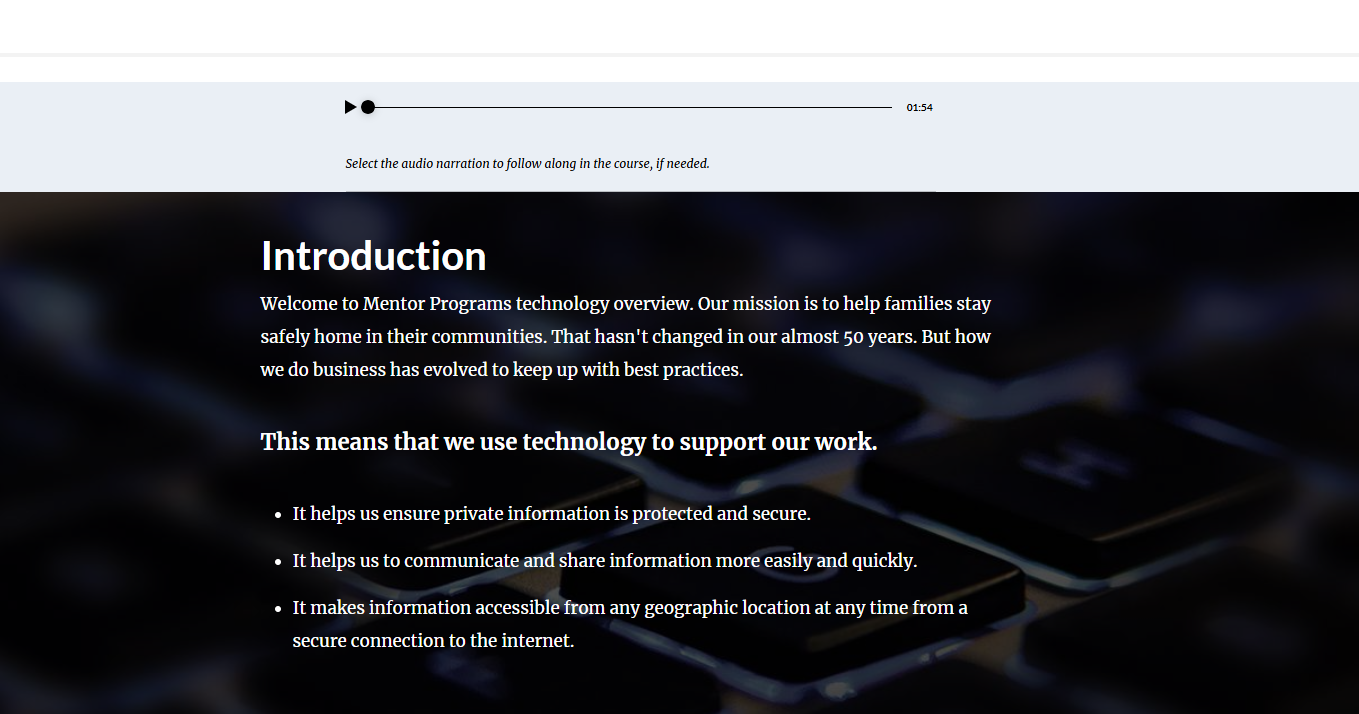
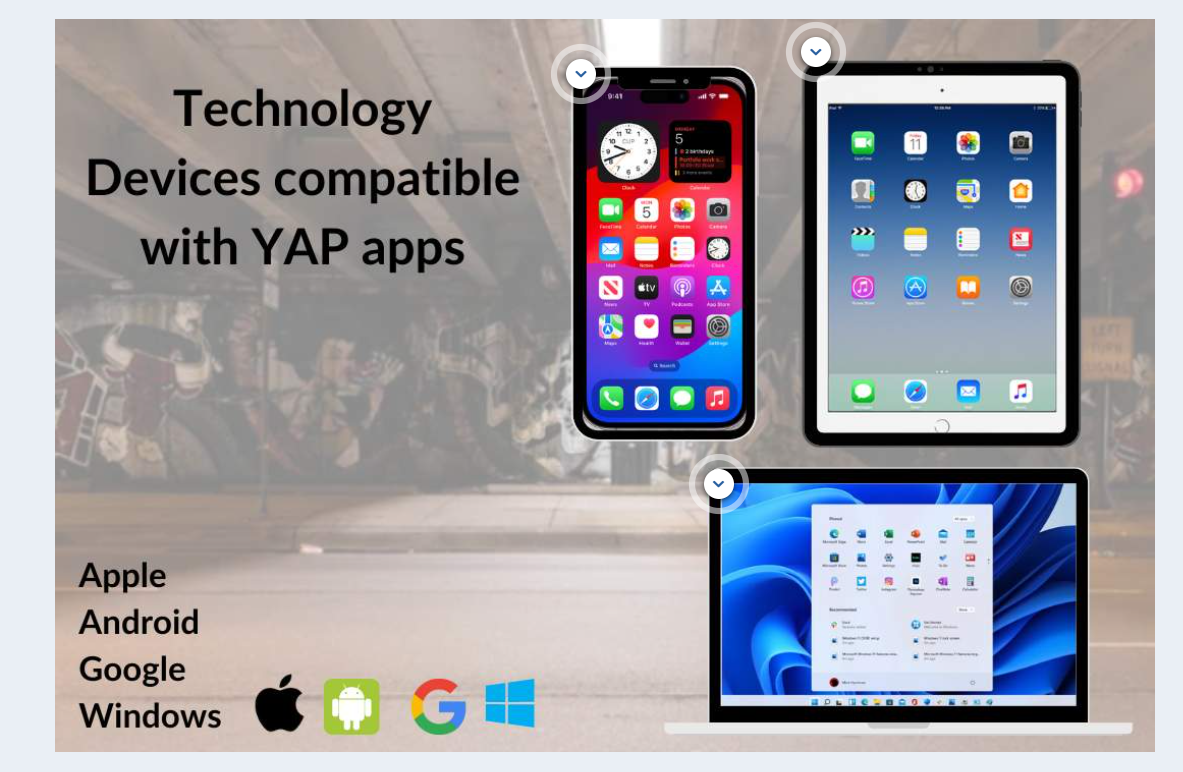
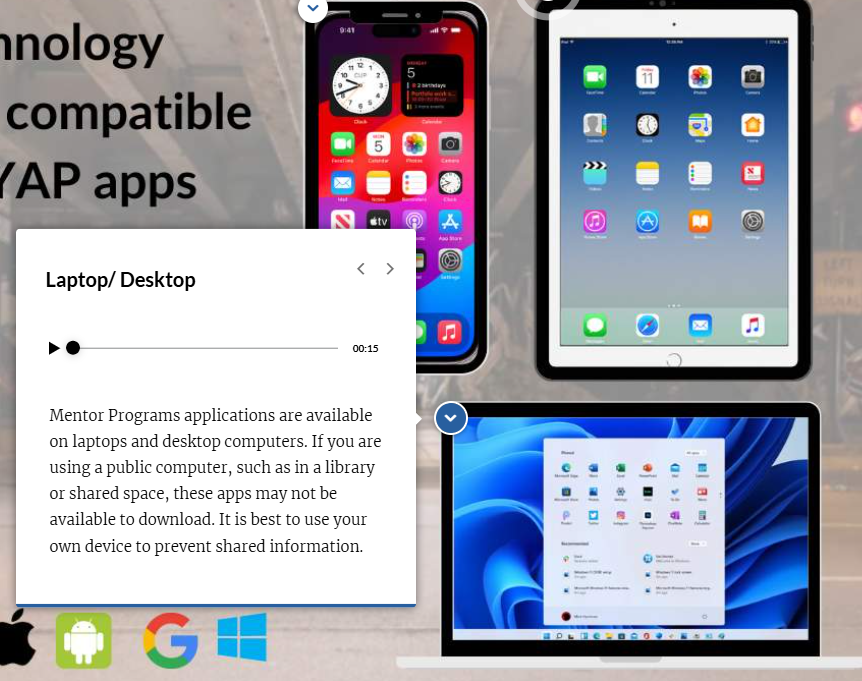
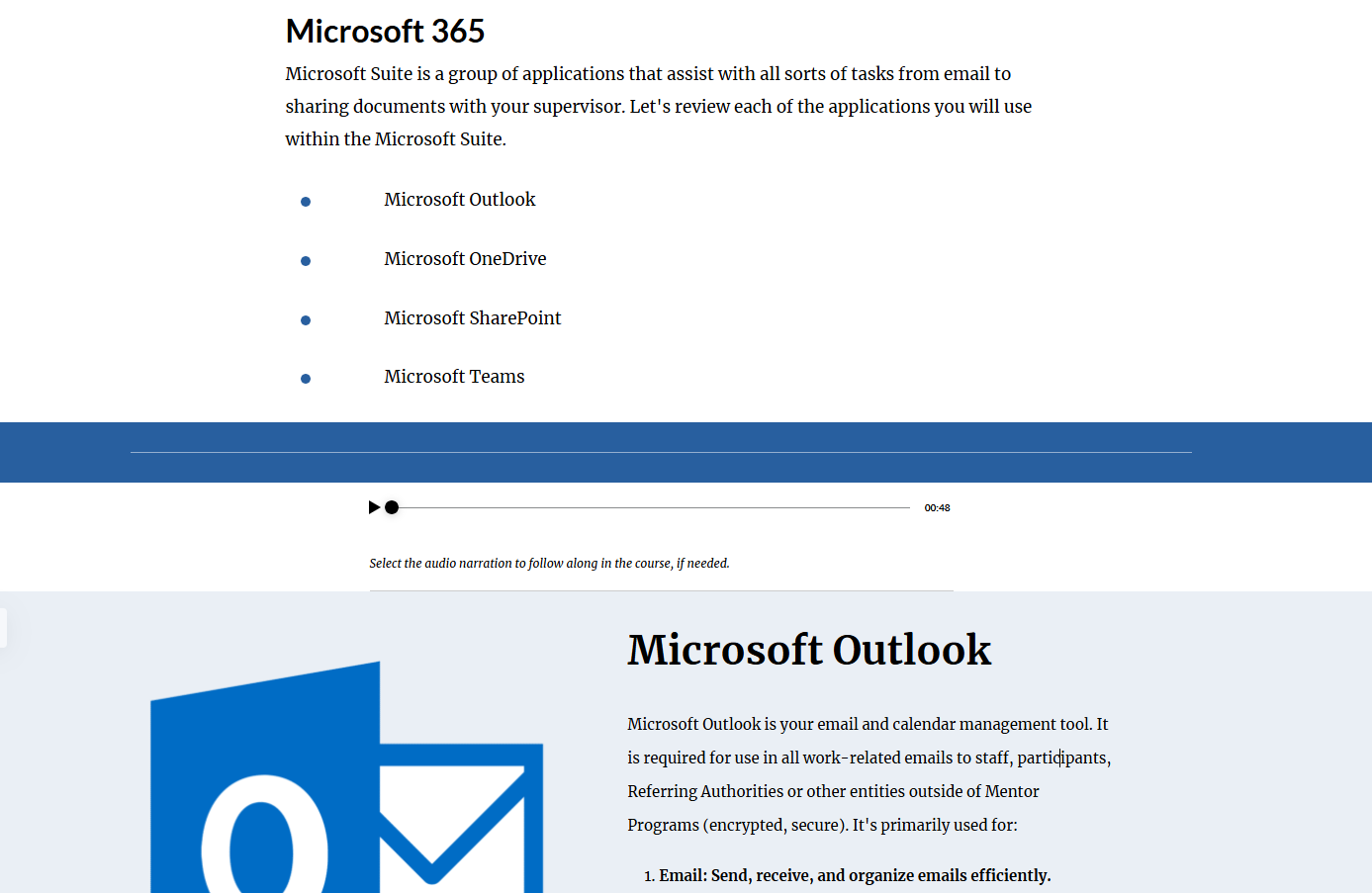
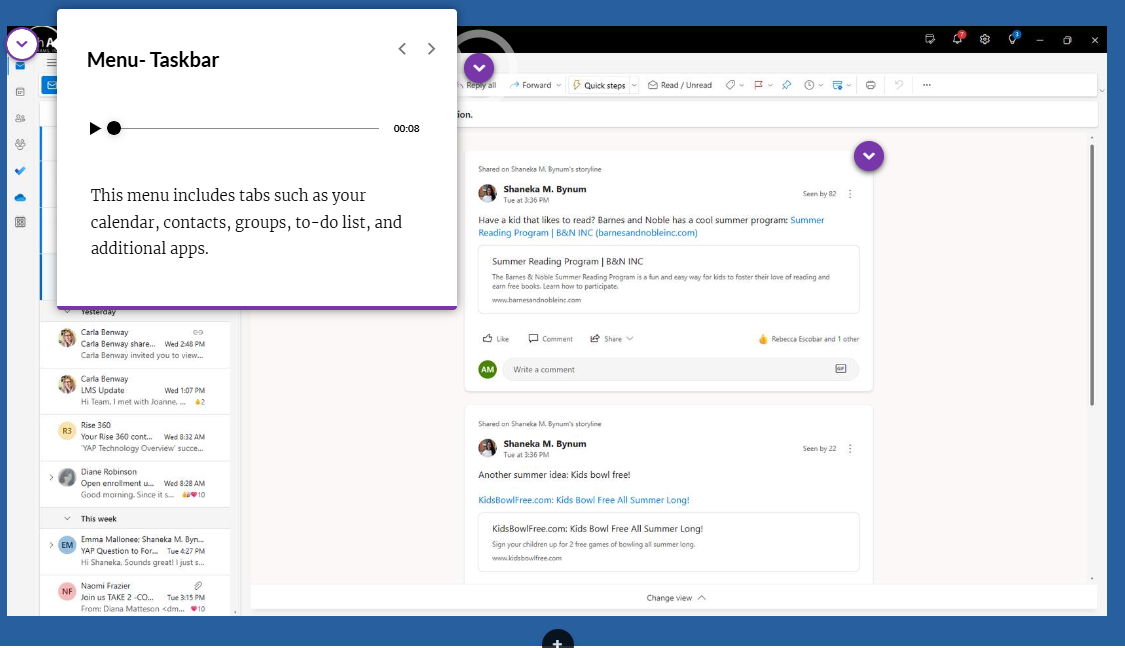
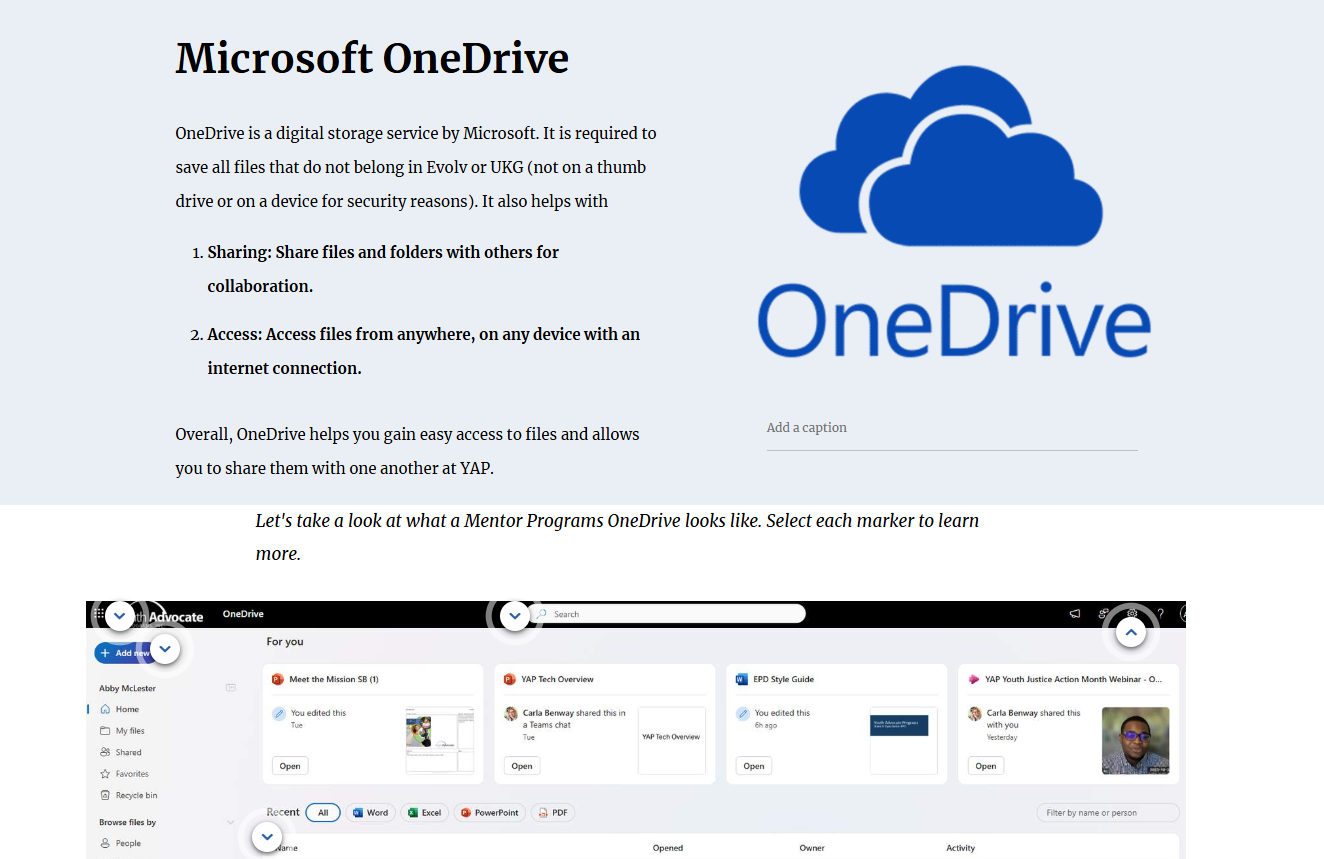
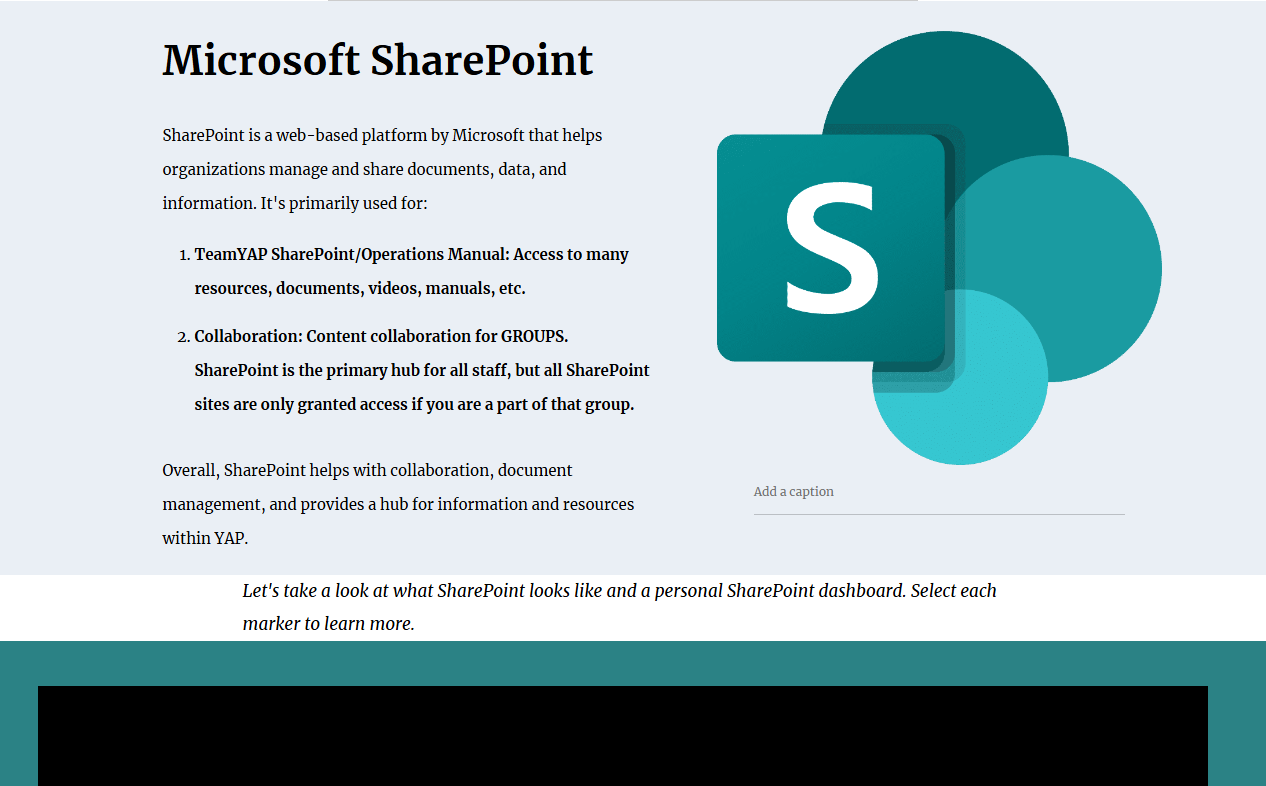
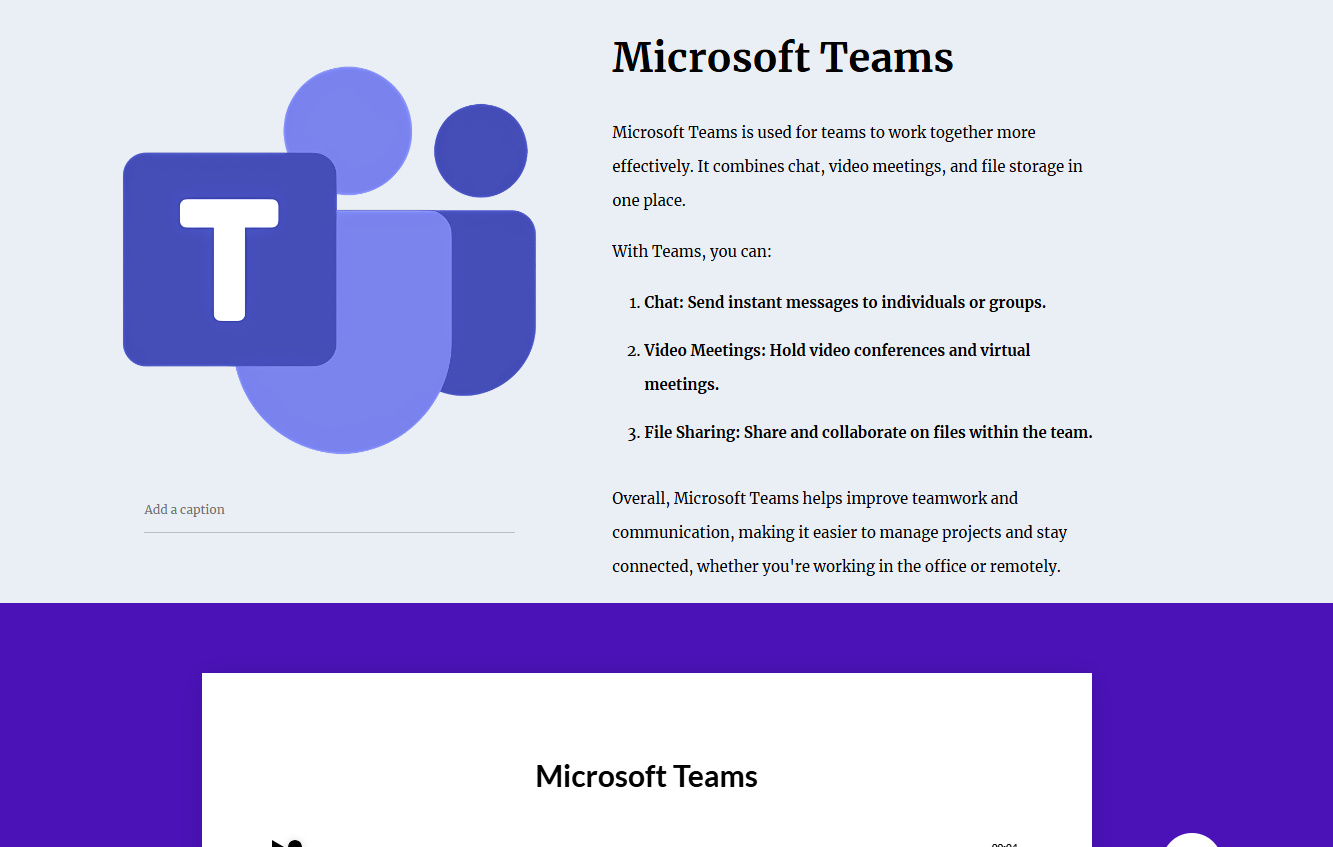
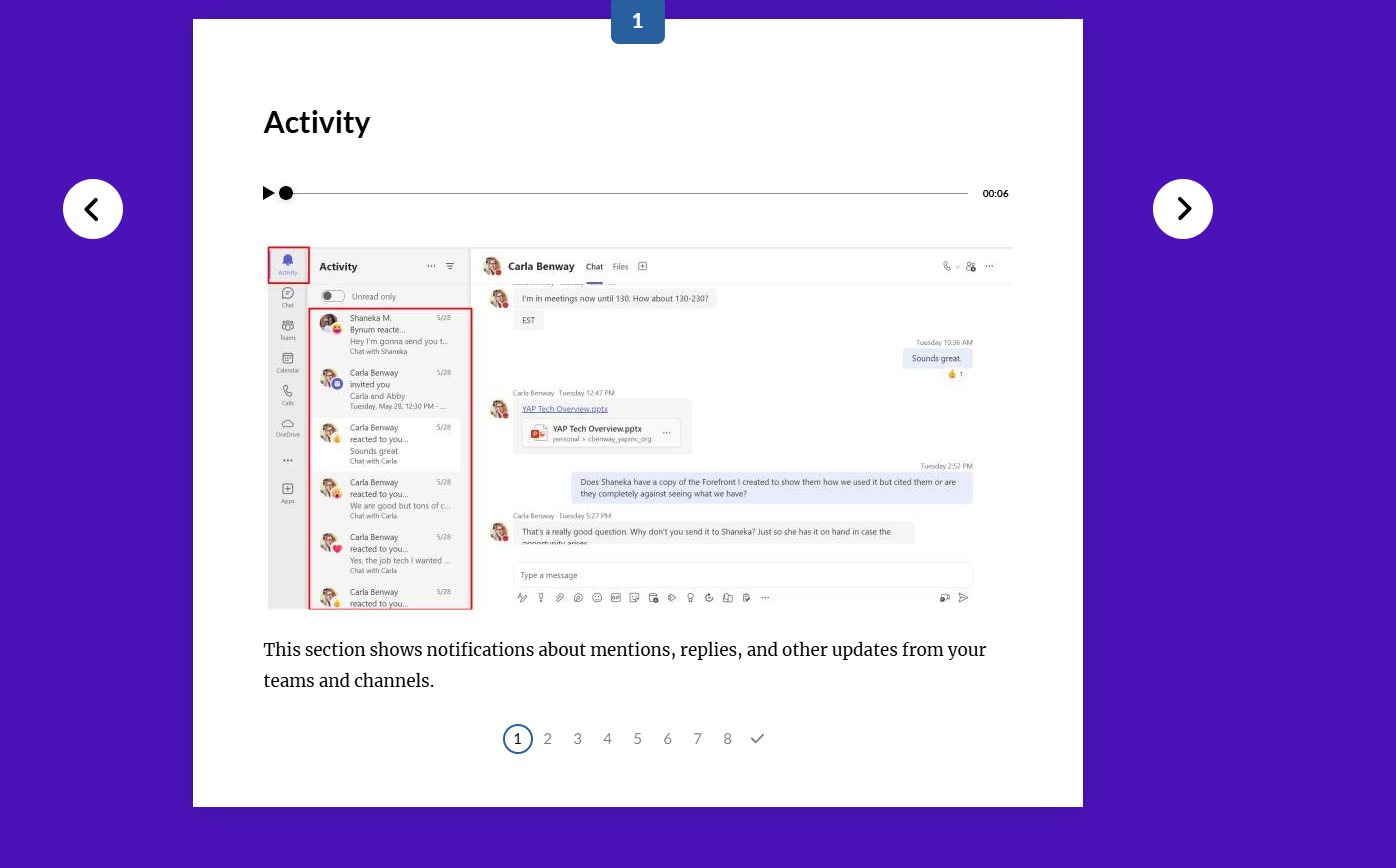
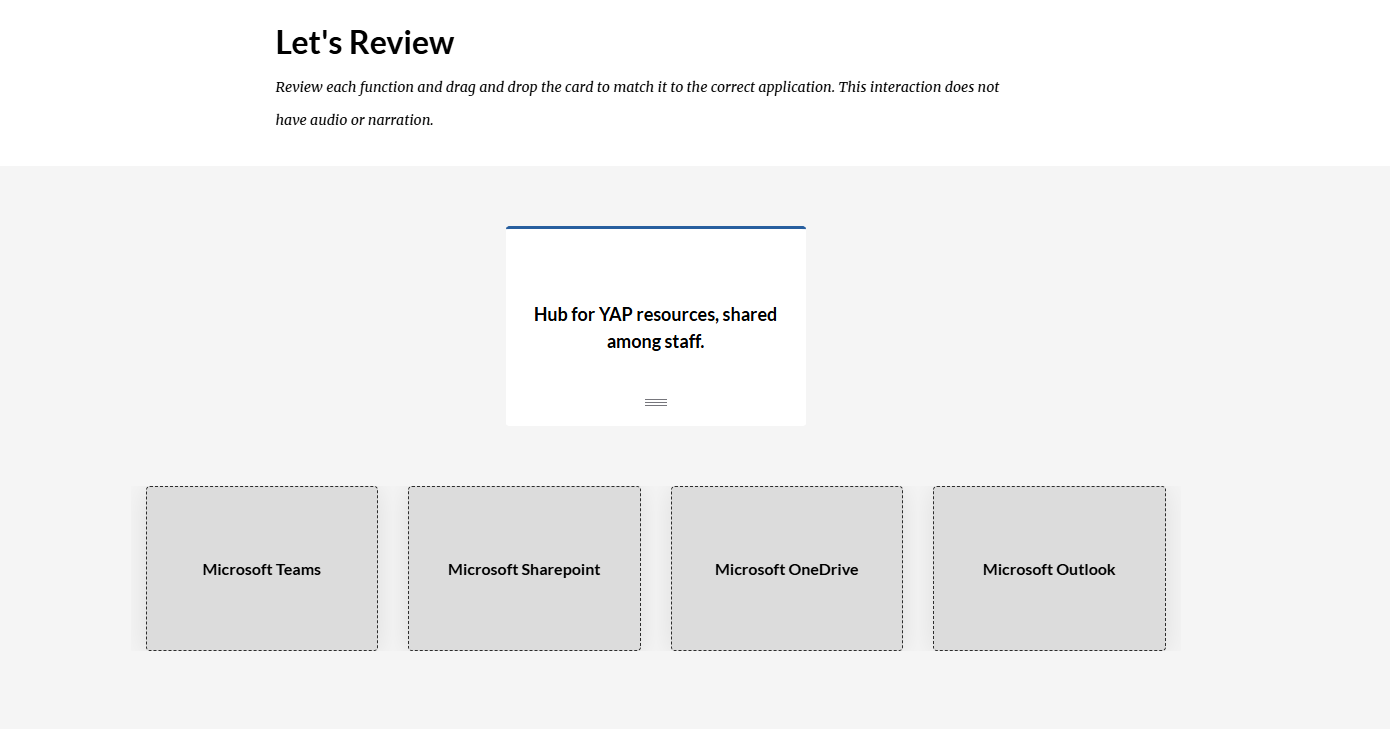
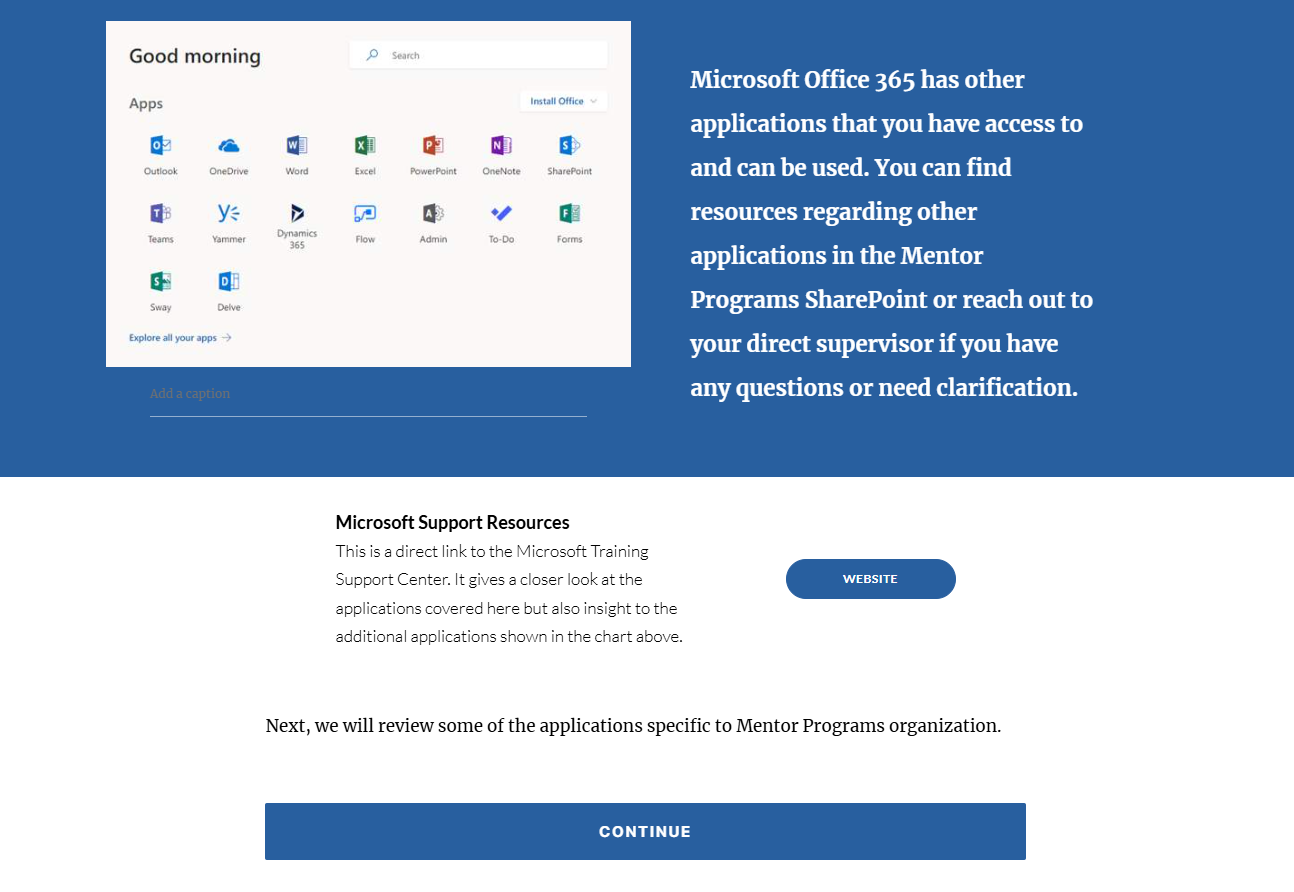
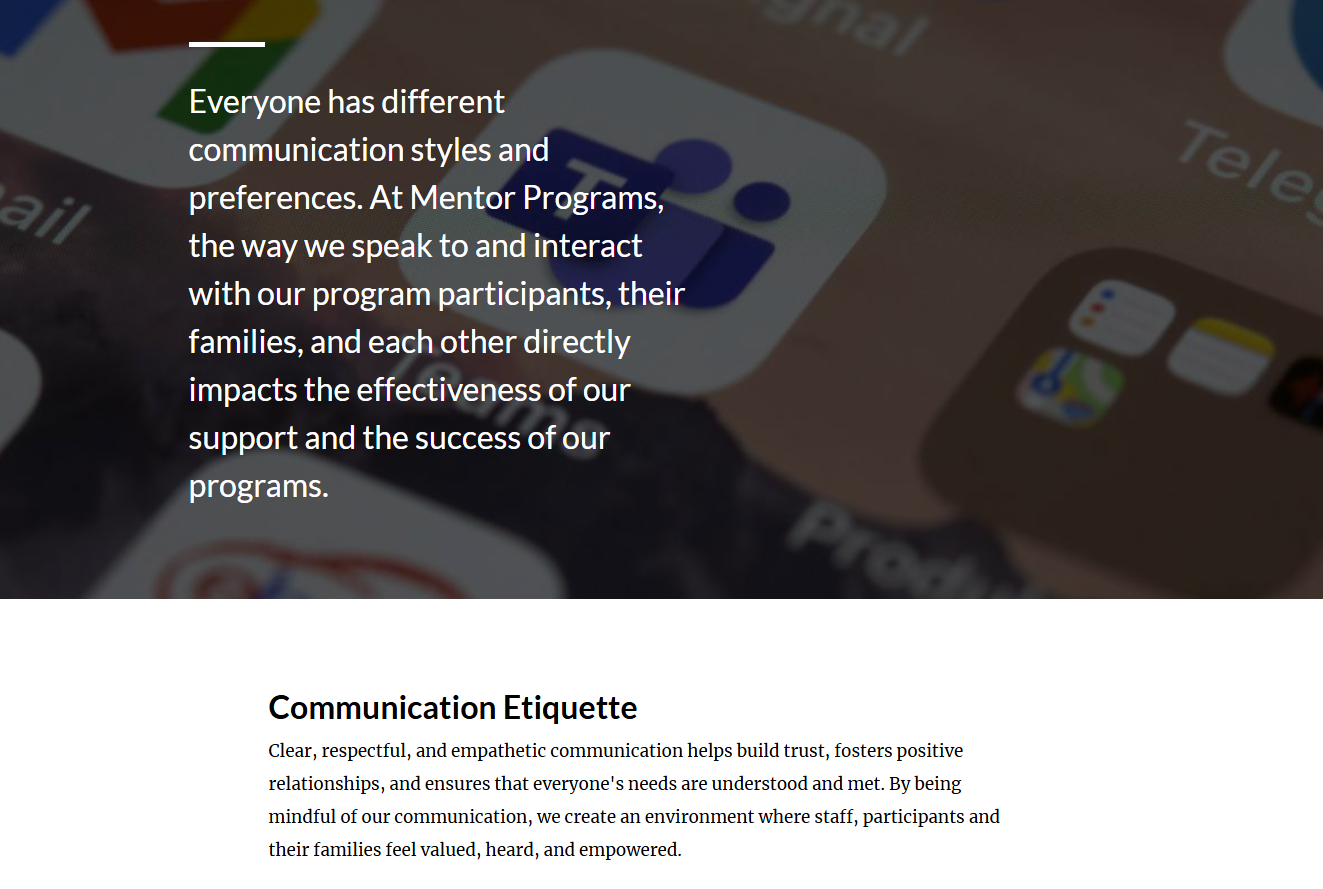
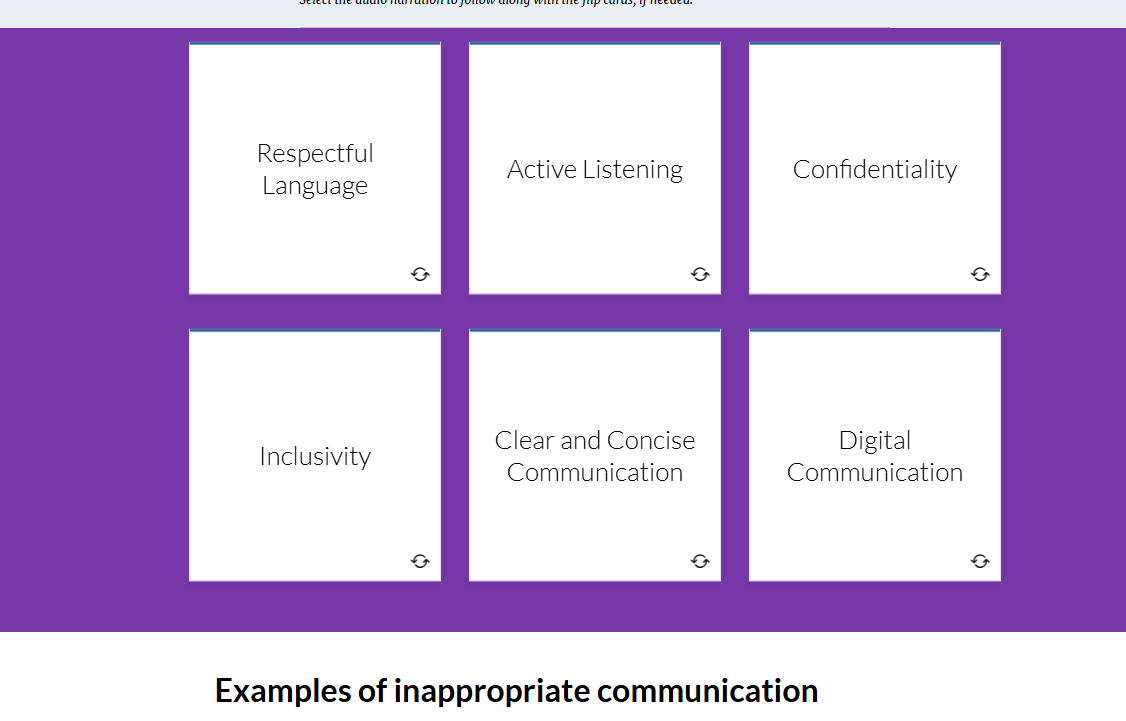
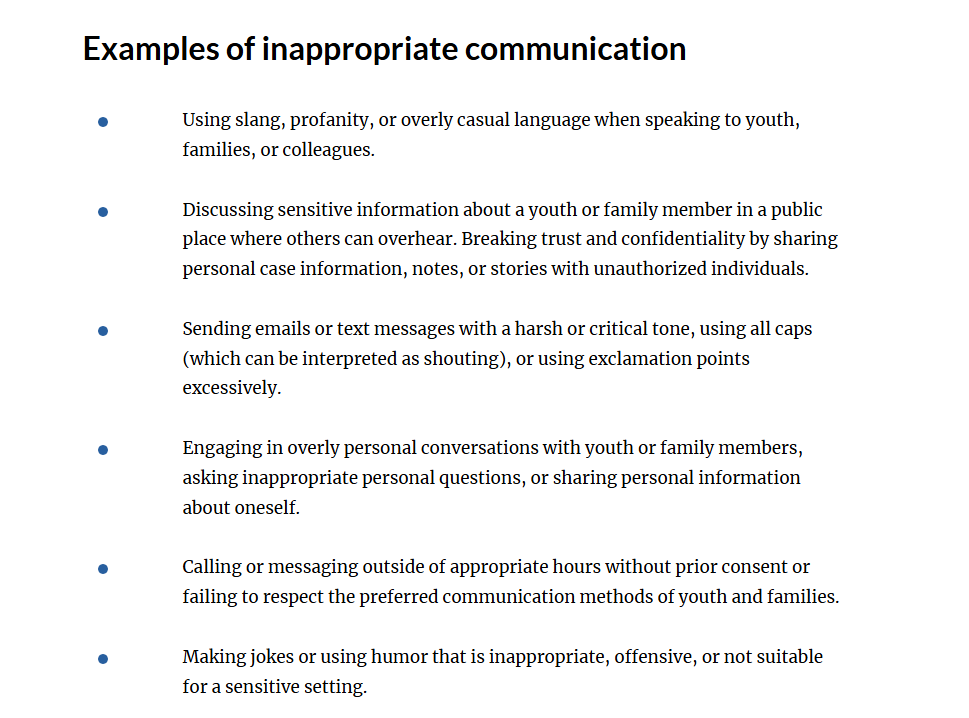
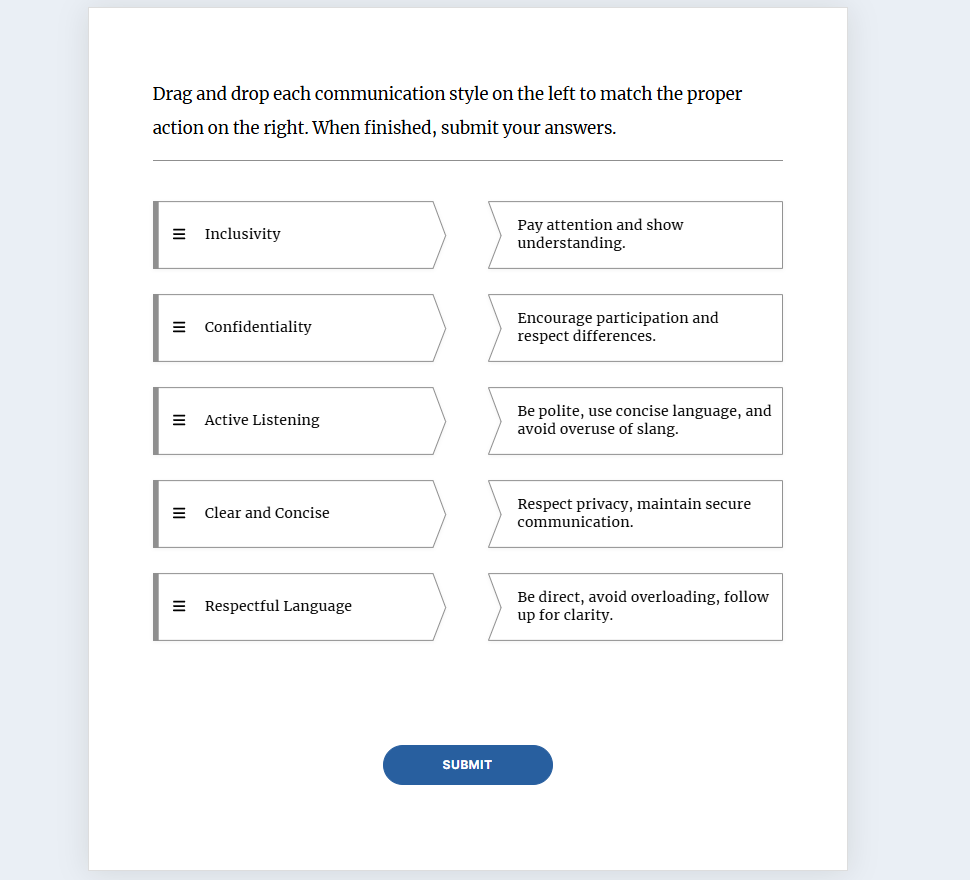
The training was created in Rise and the following screenshots show the highlighted pieces. Certain organization specific applications were not captured due to the client IP. Those applications included simulations for the learner to be able to sandbox the application, mirroring a real-world setting. The results are explained after the sample images.
Post Training Evaluation and outcomes
-
All staff, especially team leaders, valued the ability to have something that explicitly explained the technology that will be used on a daily basis. Many employees came from companies where they used technology but not necessarily the ones we used.
For example, using Zoom vs Teams, or Google Suite vs. Microsoft Suite, Google Drive vs. OneDrive.
They appreciated having a high-level overview without fear of being judged for not being tech savvy.
-
While there was not a tool used for analysis to determine the number of staff members affected by this, there was enough frequent behavior to justify the need for this training.
Being data driven, I placed data points in the post evaluation surveys to determine which percentage of employees felt more confident using technology after completing this training. The results were:
50% increased engagement on Teams
20% increase of knowledge transfer by staff actually reading and understanding emails
35% increase in effective communication with client families by having access to quick calls and chats via Teams.
-
The project did include some simulations and definitive interactions, but the majority of the application was on the job after the training.
The course did have a short 5 question quiz at the end, but the point was not to recall what the apps do but to feel comfortable using them to help maximize workflow, communication, and client case documentation.